Flashcode
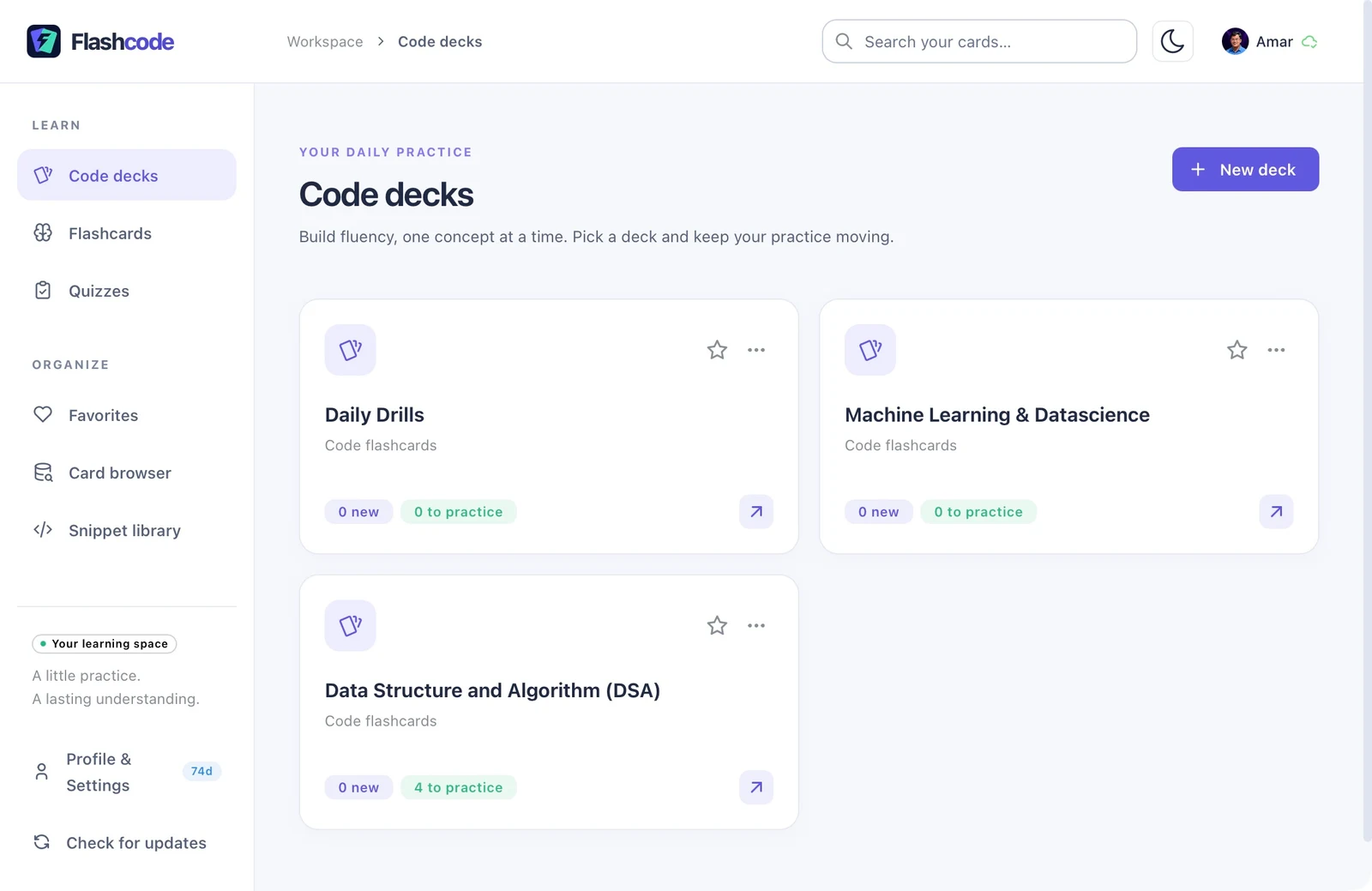
Flashcode brings code flashcards, SM-2 spaced repetition, focused quizzes, and a searchable snippet library into one desktop workspace. The redesigned interface makes it easier to browse decks, see what’s due, and review syntax-highlighted code with its formatting intact. Google sign-in keeps each account’s local study data separate, while Google Drive backups let you save and restore your progress, with optional automatic background backups.
Google Sign-In & Local Account Separation
When you sign in with Google (openid, email, profile), Flashcode uses your Google account identifier, name, email address, and profile picture to display your active profile and assign a dedicated local SQLite database file on your device so each account’s decks, flashcards, quizzes, and snippets remain separate.
Google Drive Application-Data Backups
Flashcode uses the https://www.googleapis.com/auth/drive.appdata scope to store and manage database snapshots inside Google Drive’s hidden appDataFolder. This allows you to create, list, download, restore, and delete Flashcode backups without granting Flashcode access to any of your personal Google Drive files or folders.